How to Clean Your Laptop Safely
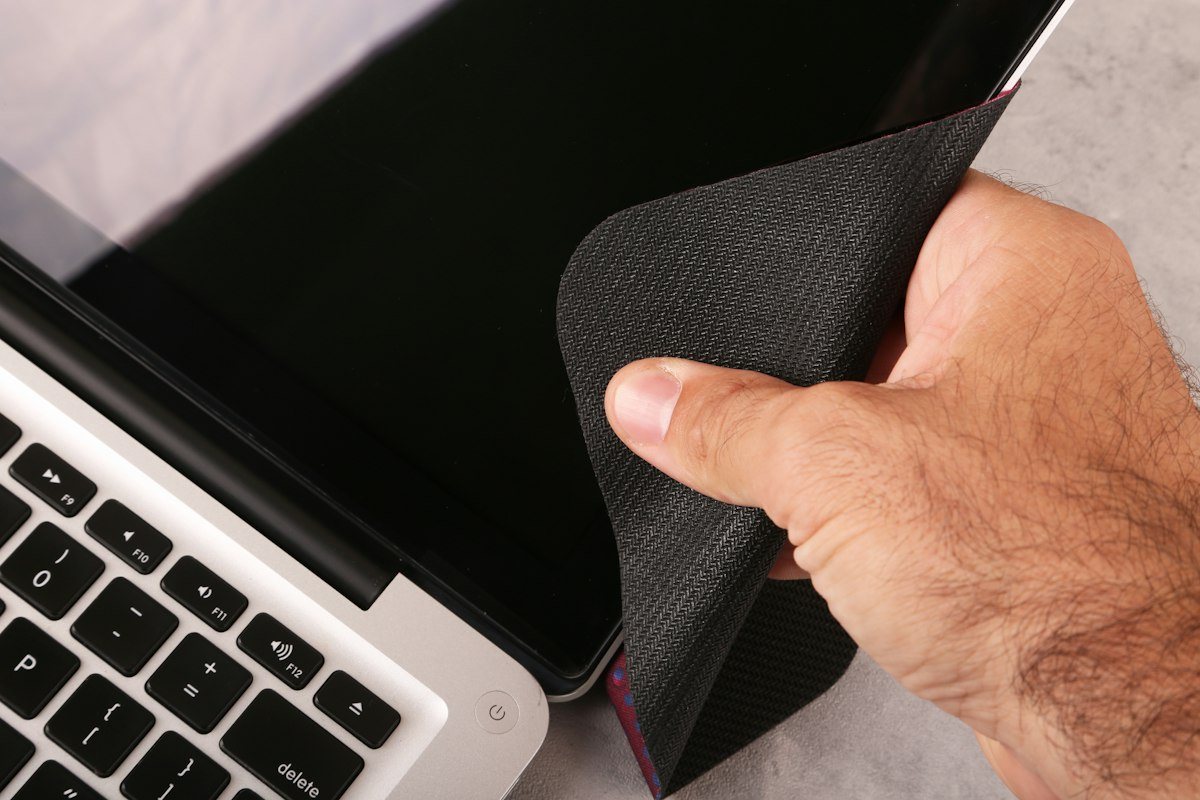
Laptops, phones and earbuds collect dust and oils every day. Cleaning them regularly keeps screens clear and keyboards responsive, and can help vents stay free of dust.
Power down first
Shut down and unplug your laptop before cleaning. Remove cases and covers so you can reach edges and corners.
Clean the screen gently
Spray a small amount of screen cleaner onto a microfiber cloth, never directly onto the screen, and wipe in gentle strokes. Avoid paper towels, which can scratch.
Clear the keyboard
Turn the laptop upside down and tap lightly to loosen crumbs, then use a soft brush between the keys. A barely damp cloth handles shiny, greasy keys.
Don’t forget the extras
- Wipe your phone and mouse.
- Clean earbud mesh with a soft brush, not liquid.
- Check that laptop vents are free of dust.
- Follow the maker’s care instructions for your device.